AI Content Skills: AI Visuals and Video, 5 Real Fixes
Part 7 of the AI content skills series: five image and video fixes from our own reviews, including consistent character AI, shown before and after, and a Claude skill that checks visuals.


AI content skills show up first in what you can see: a grey background, six things fighting for one frame, a stock photo that says nothing, a character whose face changes between shots, and a video with silence between every line. None of that is a taste problem. Each one is a fixable mistake we caught in our own reviews of real AI image and video work.
Here are five of those review notes, each with the before and after. Consistent character AI is mistake four: what it takes to keep a face, a shape and a prop the same across every frame an AI generates. The fifth covers pace, because a slow AI video loses a viewer who has no patience to spare. At the end is a Claude skill, visual-qa, that checks a visual before it goes out, using the same five rules.
What this series is
This is part seven of the AI content skills series: seven articles on what AI gets wrong when it makes content, each one built from a real correction and closed with a Claude skill that encodes the fix. The skills here work the same way as the ones catalogued in 166 Ready-Made Skills That Turn Any AI Into a Specialist: read once, save as a file, run before every job of that kind.
The 5 mistakes
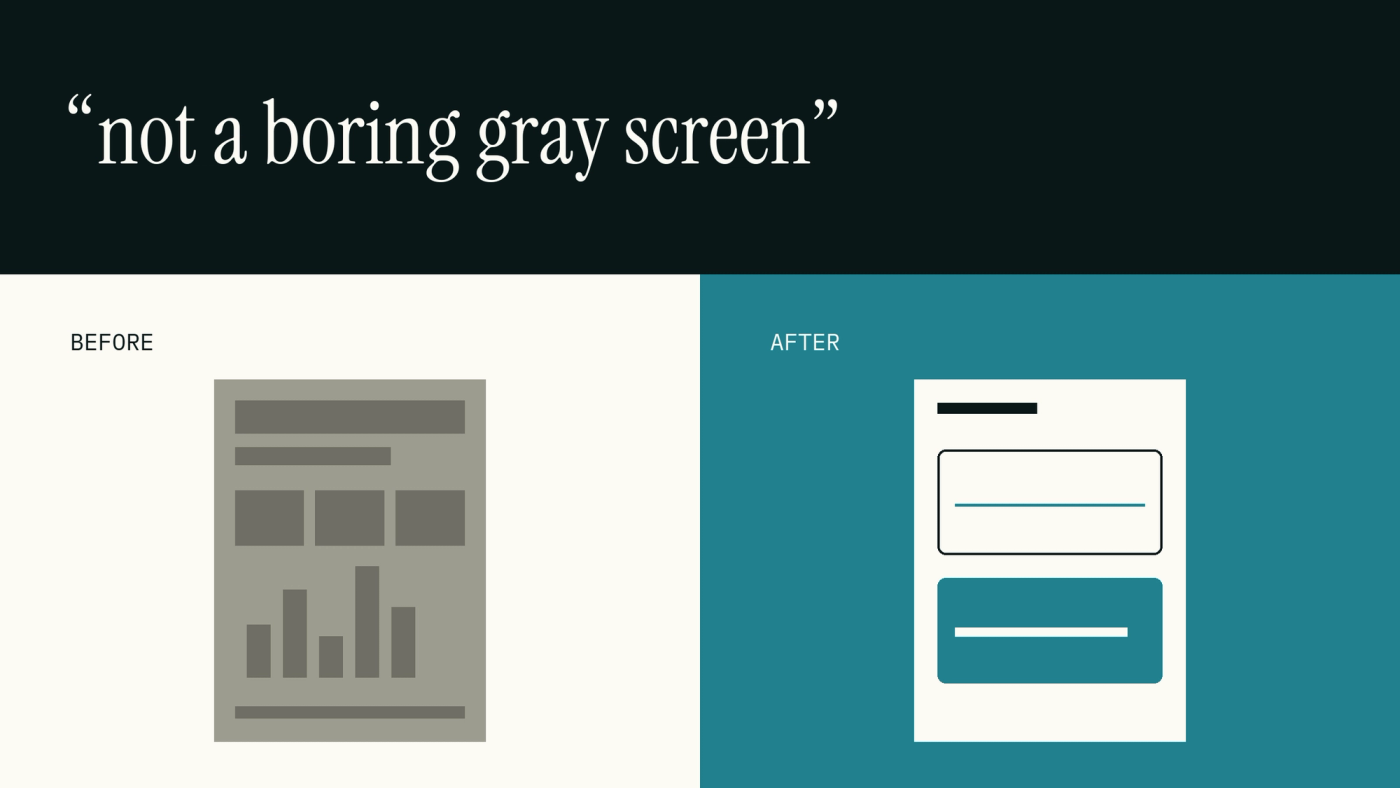
1. Grey, boring backgrounds, and no visual at all
No visual, no post. Every post carries a graphic, and the background is always a brand colour, never grey.
2. Too many elements per frame
Three elements is the ceiling, and all three serve one idea. A frame that needs a fourth element is actually two frames.
3. Stock filler
Show the actual thing. A screenshot, the product itself, a real gif of it working. Logos come from the official file and get placed in code, never redrawn by a model.
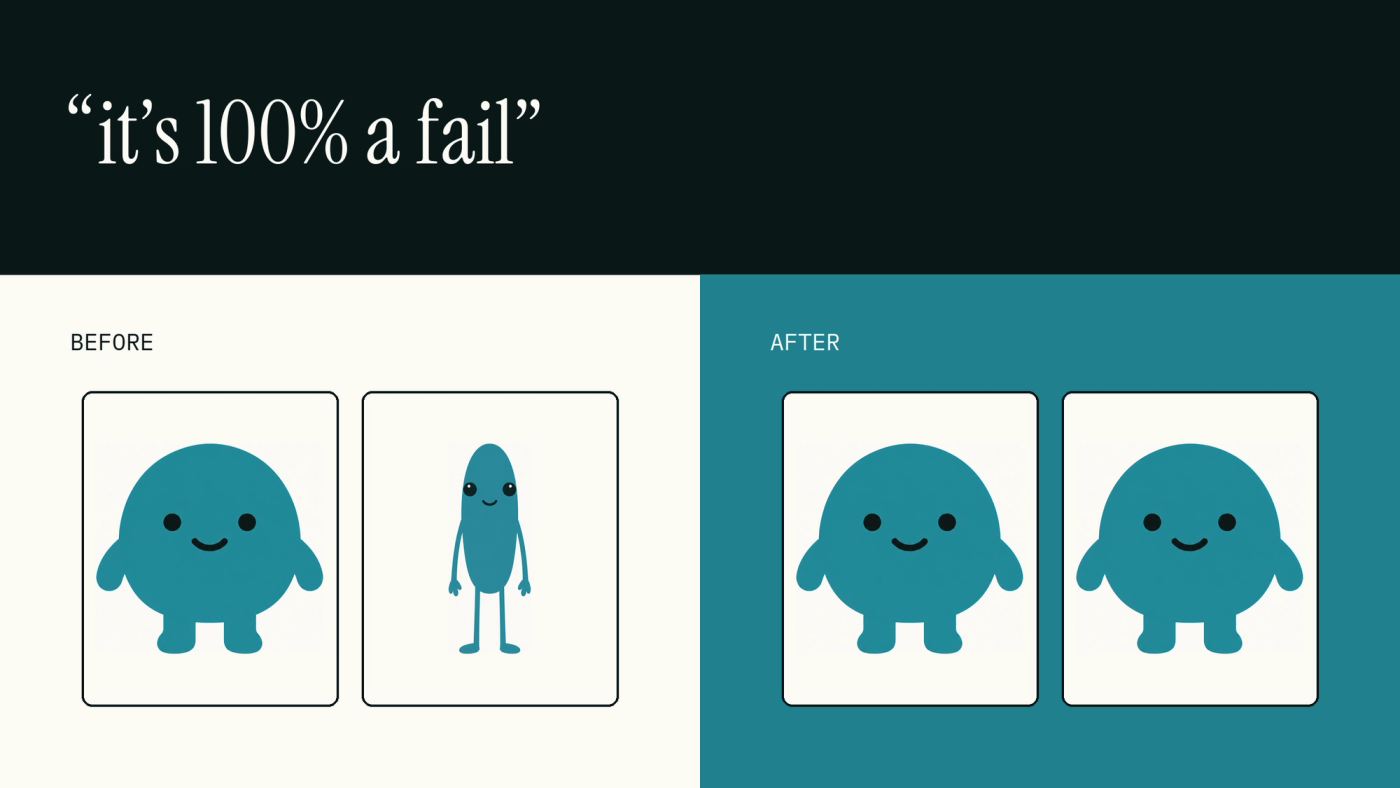
4. Character and product drift (consistent character AI)
Lock one hero image per character and edit every frame from it, never a fresh text description. Products behave like the real object, and nothing floats free of a hand.
5. Slow pace, dead air, and cuts that hurt
Pace for a reader with no patience to spare. No dead air between lines, cuts land on word boundaries, and the original audio never gets stripped out.
The Claude skill
This skill lives at ~/.claude/skills/visual-qa/SKILL.md. It runs before a visual is generated, and again once it is out, checking background, element count, stock filler, character consistency and video pace against the five rules above.
mkdir -p ~/.claude/skills/visual-qa
# paste the SKILL.md below into ~/.claude/skills/visual-qa/SKILL.md
# then in Claude Code: /visual-qa  (or just ask it to check the visual; the description triggers it)
---
name: visual-qa
description: Use before generating or approving any image, slide, carousel, thumbnail or video for content. Checks backgrounds, element count, stock filler, character and product consistency, and video pacing. Triggers on image, slide, carousel, thumbnail, storyboard, character, video, render, prompt for an image.
---
# visual-qa
Run before generation (on the prompt) and again on the output. Fail any item and regenerate; do not "fix in caption".
## Rules
1. No visual, no post. Every post ships with a graphic. Background is a brand colour (Paper White #FBFAF4, Off Black #091717, True Turquoise #20808D for Voholabs), never grey, never a gradient.
2. Three elements maximum per frame, all tied to one idea. If a frame needs a fourth element, it is two frames.
3. No stock filler. Show the actual thing: product screenshot, the real gif, the real object. Logos come from the official file, composited in code, never drawn by the model.
4. Lock characters and products. One hero image per character; every other frame is an edit of it, never a fresh text description. Products behave like the real object (it rotates, it does not flip open). Nothing floats; hands hold things the way hands do. A face that does not match the reference is a fail, not "close".
5. Video pacing. Continuous narration with no dead air; speed demos up to 4x if they drag; cut only on word boundaries; never remove the original sound.
## Self-check (per asset)
- Background colour hex is one of the brand three.
- Count the elements: 3 or fewer.
- Is there a stock-looking image anywhere? Replace it.
- Side-by-side with the hero image: same face, same shape, same wardrobe. Same prop, opening the right way.
- Scrub the video: any silence over 0.5s between lines? Any cut mid-word? Is the audio track present?
- Then check: does every post in the batch have its visual? Fix all of them, not just the one flagged.
Run it on the last thing you published.
Where this leaves you
The five fixes above are now one file. Paste the skill into Claude and it checks every visual the same way before it posts, not only the ones someone remembers to look at twice. Consistent characters, a clean frame and real audio stop being one-off reviews and become the default.
If you want somewhere to schedule and check them before they post, that's what Voholabs Studio is for.
Frequently asked questions
- As part of AI content skills, how do you keep an AI character consistent across images?Lock one hero image for the character and edit every new frame from that same file instead of writing a fresh description each time. Never re-describe the character in text. Anchor on one or two unmistakable features, and treat any mismatch with the reference face as a fail, not something close enough.
- How many elements should a carousel slide have?Three at most, and all three tied to one idea. Background is a brand colour, never grey. If a slide needs a fourth element, split it into two slides.
- Why does AI video feel slow?Usually dead air between lines and a pace set for the model instead of the viewer. Run continuous narration with no silence between beats, and speed up demo footage up to four times if it drags.
Sources
- Agent Skills overview· Anthropic
- Skills (Claude Code Docs)· Anthropic